Creating Deployments
Deploy your agent using the CLI:Deployment States
Viewing Deployments
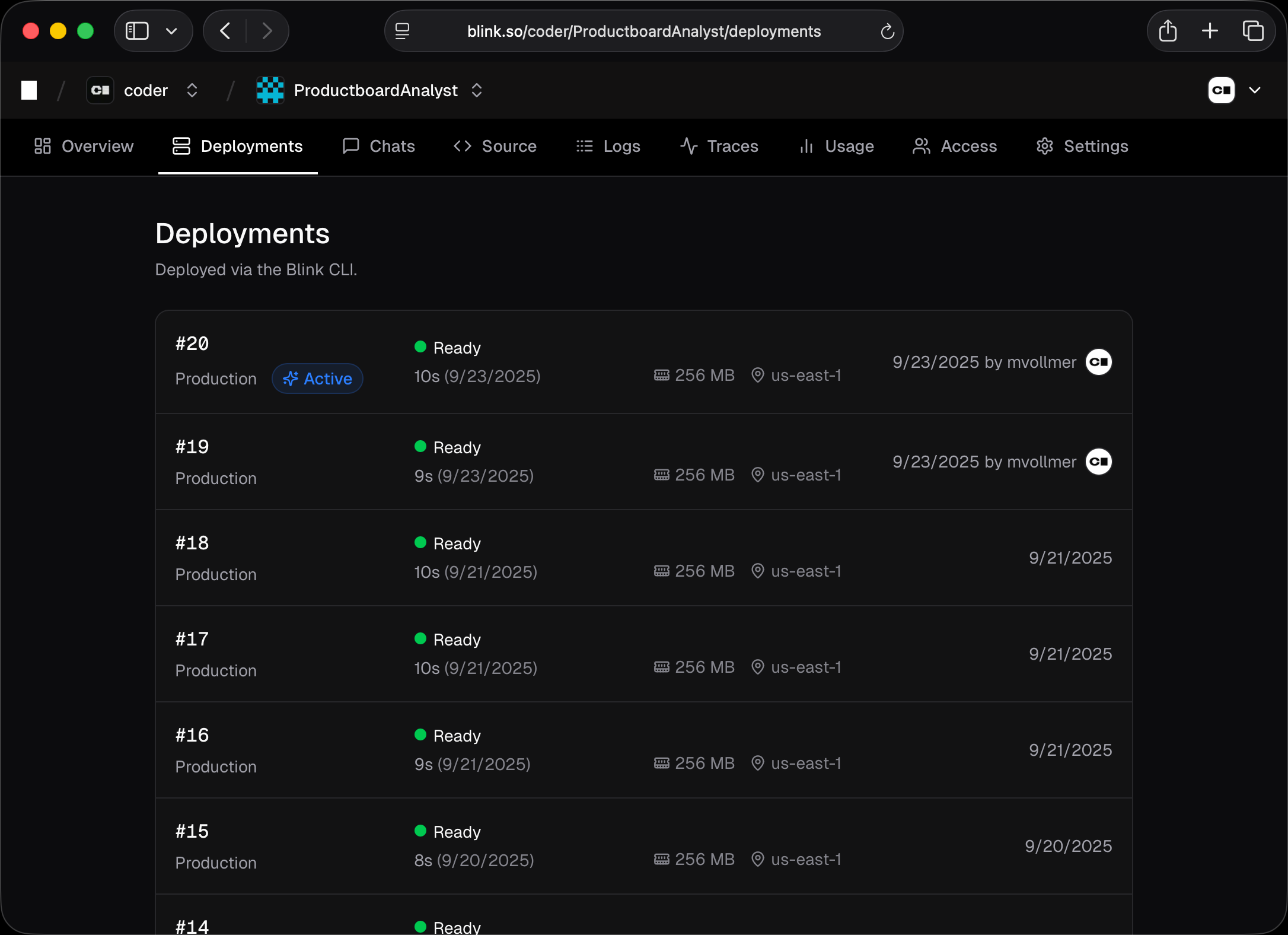
View deployment history in the web UI under your agent’s Deployments tab. Each deployment shows:- Number - Sequential deployment number (e.g., #1, #2, #3)
- Status - Current state with indicator
- Duration - How long the deployment took
- Message - Optional description from
-mflag - Created by - User who triggered the deployment